Using Reports
You can generate reports with Squore so you can communicate your progress to others.
In order to create a report, for the currently selected artifact in the tree, click the Reports tab in the Explorer. The Reports page opens as shown in the picture below:
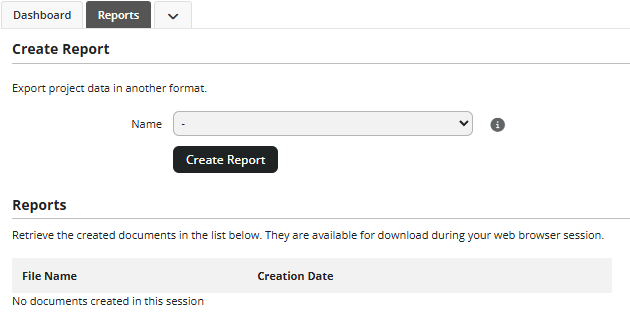
From here you can export information in various formats in order to import it into another tool. Clicking the Create Report button generates and downloads the file in your browser.
The following is an excerpt of a report obtained by launching the Findings to a JSON file in SARIF format at application-level:
{
  "$schema": "https://docs.oasis-open.org/sarif/sarif/v2.1.0/cos02/schemas/sarif-schema-2.1.0.json",
  "version": "2.1.0",
  "runs": [
    {
      "tool": {
        "driver": {
          "name": "CPPCHECK",
          "rules": [
            {
              "id": "MEMLEAKONREALLOC",
              "shortDescription": {
                "text": "Common realloc mistake: 'varname' nulled but not freed upon failure"
              },
              "fullDescription": {
                "text": ""
              },
              "properties": {
                "categories": [
                  {
                    "scale": {
                      "id": "SCALE_SEVERITY",
                      "name": "Severity"
                    },
                    "level": {
                      "id": "BLOCKER",
                      "name": "Blocking",
                      "rank": 100.0
                    }
                  },
                  {
                    ...
                    }
                  }
                ]
              }
            }
          ]
        }
      }
	}
  ]
}
Other reports ask you to choose a list of highlights. In this case, the exported data contains the artifacts and metrics defined by the selected highlights.
The following is an example of a file generated by the Highlights to Excel report with the HIS: All Metrics and Code Coverage: All Modules highlights selected for the Mars project:

Reports are highly customisable, consult your Squore administrator or refer to the Squore Exports section of Configuration Guide to learn more about how to tweak the report contents or format.